This document is a compilation of the tools and software that I find most useful for my daily work. The list includes resources for game development, coding, computer science, and more. Whether you're a seasoned developer or just getting started, I hope you find these tools as helpful as I do.
Game Dev
Two or three years of game development may be a short time, or not, but in this time I’ve tried different utilities to aid me to make games.
Engine
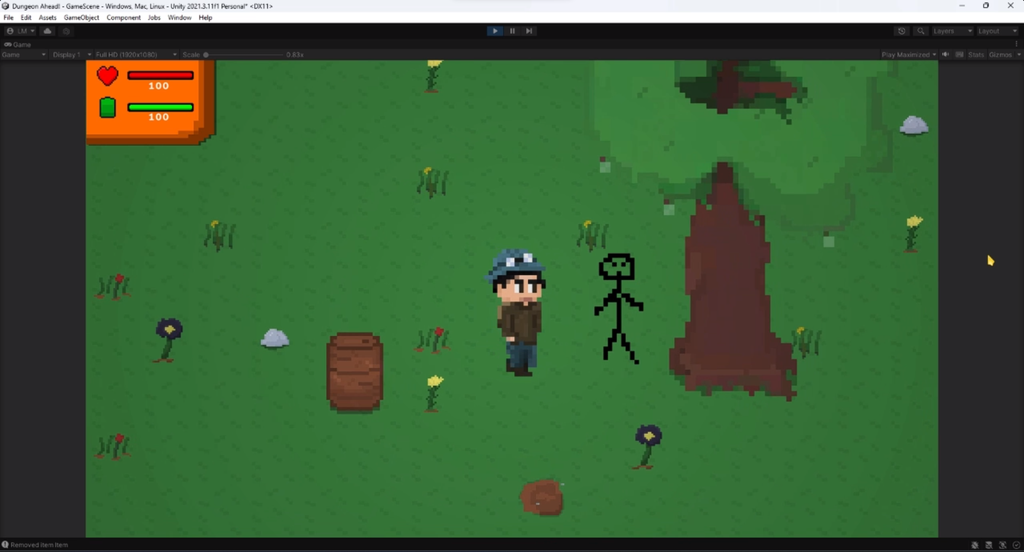
Unity. Although I’ve tried GameMaker, Bevy Engine and considered using a custom, locally-sourced fresh artisanal engines, I still come back to Unity.
- Tri-Inspector
Very useful for enhancing Unity’s editor interface with better organization of the components in the inspector.
Tri-Inspector
codewriter-packages • Updated Jan 22, 2025
- Consolation console
An in-game console for debug commands in the build version of the game made easy.
consolation
mminer • Updated Jan 7, 2025
- Odin Inspector [PAID]
A better, but paid alternative to Tri-inspector to enhance the inspector and editor's interface. Better organization and ease of usage.
Odin Inspector and Serializer | Improve your workflow in Unity
Odin Inspector is a plugin for Unity that lets you enjoy all the workflow benefits of having a powerful, customized and user-friendly editor, without ever having to write a single line of custom editor code.
https://odininspector.com/
Assets
- Audacity
Audacity is perfect for creating sound effects for games.
- Aseprite [PAID]
The best software to create pixel art. Either making sprites, animations, effects, tilemaps and everything related with pixel art.
- textures.com
The place for high quality realistic textures and materials for impressive map making.
- Adobe Color color.adobe.com
A useful resource for creating color schemes and palettes using a color wheel.
- dungeonscrawl.com
“Old-School Dungeon Maps Made Easy ” to create simple 2D map layouts.
- FL Studio [PAID]
The best music and sound production software for the best bangers. The only limit is your always developing skill.
- Paint.NET (image editing)
A simple image editing tool. Enough for the majority who need simple tools for improving your images.
Coding
Bonsoir, Elliot.
I code some stuff here and there. Maybe you should too, get out of the couch!
Here are my tools. Let’s start with the obvious:
- VS Code
LiveShare to code with a friend.
- Visual Studio Community (best used for C#)
- IntelliJ (best used for Java, JavaFX)
Now what about some tools you haven’t heard before?
- Readme.so
Website that lets you create a well organized README for your repos at GitHub.
- asciiflow.com (ASCII graphics)
Wonderful tool to create graphics, drawings and to convert your thoughts to ASCII characters.
- https://repography.com/ (README.MD repo stats)
Very cool stats for your repos at GitHub.
- Exercism (programming exercises and challenges)
Not exactly a tool, but it is still a cool and useful way to learn and train with some coding challenges if you have nothing to do.
- https://choosealicense.com/
An intuitive guide to help you choose which licence will suit your project.
Computer Science
- Data Structures Visualization (https://www.cs.usfca.edu/~galles/visualization/Algorithms.html)
Easy and intuitive visualizer for algorithms.
- PacketLife
Cheat Sheets - PacketLife.net
https://packetlife.net/library/cheat-sheets/
In case you need some cheatsheets for network stuff.
- CS books (Wikibooks)
In case you're fond of some light bedtime reading 📚. Great for kids too!
Electronics
- tinkercad.com
Build a circuit without a circuit.
Blog
Notaku. It's what I'm currently using. It works using Notion so it's simple to create stuff like this.
Others
- keybr.com (keyboard speed-writing exercice)
- Powertoys